
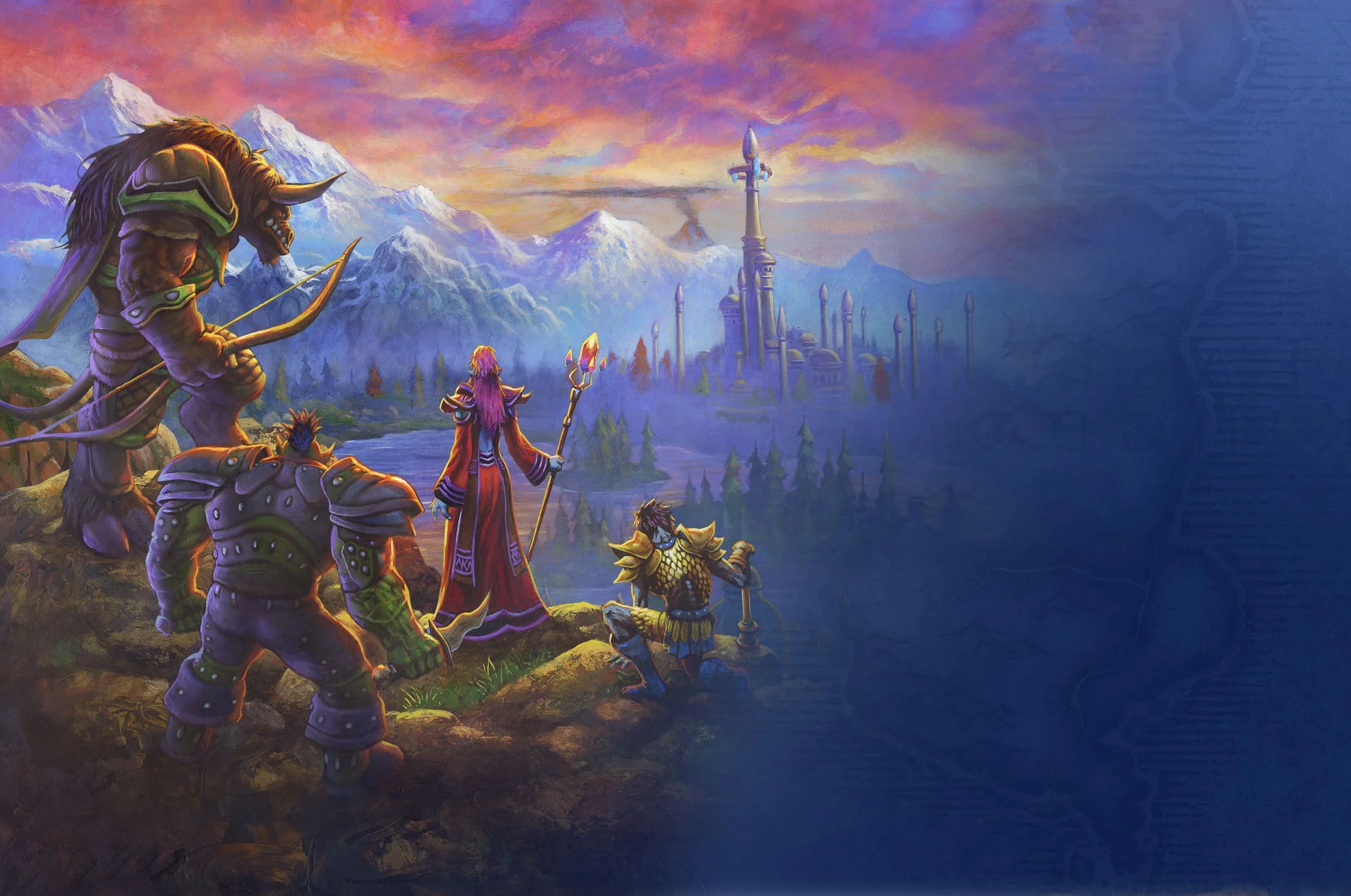
WoW Forever: plan your build, get your guild ready
Explore our WoW Forever talent calculator, save and share builds, and bring your character plans into your guild before launch.
Someone posts a talent build in Discord. A few people suggest changes. A week later, your raid leader asks what you're playing, and nobody knows which link is current.
That's the problem we're working on as we get Guild Manager ready for World of Warcraft: Forever. You should be able to experiment with talents, keep the builds worth saving, and show your guild what your character is planning to play.
Our first set of WoW Forever tools is here in Forge, starting with a talent calculator and build directory for all nine classes. It connects to your Guild Manager characters, so a build can become part of the character your guild already knows.
Getting ready for November
Blizzard has announced a November 4, 2026 launch, with beta beginning September 17. Forever returns to original Azeroth for a journey from level 1 to 60, with new areas, class changes, and the Skyborne race. Blizzard's What's Next panel recap has the official details.
For us, the useful preparation starts with the questions your guild is already asking. Who wants to tank? Which class are you trying first? Are you building for leveling, dungeons, or PvP? Where do you keep that plan when it changes?
We've added WoW Forever as its own game in Guild Manager, with its class, race, faction, specialization, and role choices. Your Forever characters have their own configuration alongside the other games your community plays.
A WoW Forever talent calculator for every class
Pick a class, choose a level, and start spending points. The calculator follows the point budget, tree requirements, and talent prerequisites in our current preview data. You can inspect ranks and racial abilities while working on the build.
On desktop, left-click adds a point and right-click removes one. Shift-left-click adds as many valid ranks as possible. Shift-right-click removes as many as the build's dependencies allow. Touch and keyboard controls are available too.
You can jump straight to your class:
- Druid talents
- Hunter talents
- Mage talents
- Paladin talents
- Priest talents
- Rogue talents
- Shaman talents
- Warlock talents
- Warrior talents
This is preview data. Our current talent trees come from BlizzCon demo transcriptions published by Talents Forever. Some higher-rank descriptions are estimated and marked in the calculator. Trees, numbers, and racial abilities may change during beta. Use the planner to explore ideas; these are not final launch builds or recommendations for the best spec.
Keep experiments private, share the ones worth discussing
You can try the calculator without signing in. An account lets you save named builds, add a description, and choose whether a build stays private or appears in the public directory.
Give a build a name that tells people what it's for. "Dungeon healing while leveling" is much more useful to a guildmate than "Build 3." The activity and role filters help people find relevant builds, and the description gives you room to explain the trade-offs.
Found a public build you want to change? Duplicate it and work on your own copy. The original stays with its author. That makes it easier to compare an idea with your own priorities without asking someone else to edit their build.
The builder also warns you before leaving with unsaved changes. Inside the app, you can keep editing, discard the draft, or save before leaving. Reloading or closing the tab uses the browser's own unsaved-change warning.
Put the plan next to the character
You don't need to create a character just to test a talent idea. When you're ready, you can link the build to a matching WoW Forever character or create one from the builder.
If your active Guild Manager character belongs to WoW Forever and matches the class you're building, the editor can select it for you. Set your race, faction, and preferred role alongside the character details, with role choices that follow your class.
Your character editor also has a compact talent planner. You can keep character loadouts there and choose an active one. Guild members with access to your member details can see that active setup without leaving the profile to open a separate calculator.
Public builds and character loadouts have different jobs. Publishing a build shares it in the directory. A character's saved loadouts stay private, while its active setup is available through the guild's member permissions. You decide which plan represents your character.
Give your guild a head start
The preparation also reaches the guild side of the app. Forever guilds can record their faction and region, organize members and characters, and use the existing activity and party tools with tank, healer, and DPS roles. The game setup includes announced dungeon and raid activities. You can leave the realm blank until you know where you're playing.
Start with the decisions you can make now: who is joining, what they want to play, and when the group can meet. A saved talent plan gives that conversation something concrete to work from. You can revise it as beta changes the game.
First Aid and camping supplies
First Aid is worth discussing when you plan your guild's supplies. In the BlizzCon demo, it could make healing potions as well as bandages. Woolen Tourniquets removed Bleed effects, Simple Poultices cured diseases, and Anti-Venom handled poisons.
For camping, the demo's First Aid Kit used Linen Bandages and Refreshing Spring Water to provide a buff comparable to Power Word: Fortitude. You can record First Aid among your character's secondary professions and use a Camping or Professions & Gathering activity to coordinate supplies with your guild.
These are preview observations, not final recipes or guaranteed launch effects. Whether Alchemy will also craft healing potions remains unconfirmed. See Warcraft Tavern's First Aid preview for the demo report, published September 13, 2026.
What we're looking at next
Beta will give everyone more to work with. We want to keep improving the data and the connection between build planning and everyday guild preparation as Forever takes shape.
An addon is something we're considering for the future. We haven't committed to its scope or a release date. There is no Guild Manager Forever addon available today, and these tools do not automatically import or sync your in-game character.
For now, try a class, save a build, and see how it fits your guild's plans. We'd particularly like to hear where you still have to explain the same character information twice, or leave Guild Manager to keep track of a decision.
Open the WoW Forever talent builder, or join our Discord and tell us what your guild needs before November.
Ready to retire the guild spreadsheet?
Create your guild with Discord. Start planning events, tracking attendance, and managing loot in one place.
Create GuildFree: unlimited members · No credit card · 2-minute setup
Written by
Guild Manager Team
We build Guild Manager's roster, event, and Discord tools. For questions or corrections, contact the Guild Manager team.
Keep reading
View all
WoW Forever DKP vs soft reserve vs loot council: how each runs on raid night
Three loot systems for WoW Forever guilds, walked through as real raid nights in GuildManager: a soft-reserved Barrow Deeps, a DKP Hyjal Summit and a loot council roster.
Set up your WoW Forever guild in 10 minutes: Discord bot, addon and leave
Create the guild, connect the Discord bot, install the addon and turn on leave of absence before November 4. Each step, what it costs, and what waits until you can log in.
WoW Forever raid roster by class: what each class covers for your guild
Not a tier list. A class-by-class roster sheet for WoW Forever officers: which roles each class can fill, what it brings to the raid, what it can't cover, and what to ask at signup.