
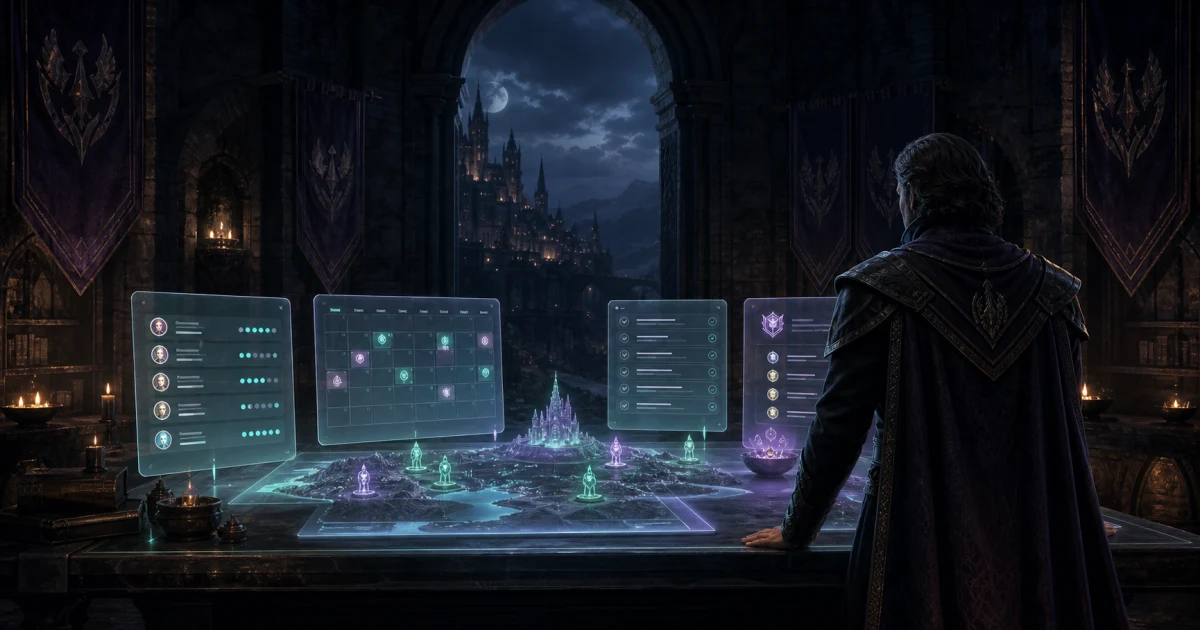
Kathana guild guide: Ashram rosters, boss hunts, and point-based loot
Keep tribe, job, and god choices clear while planning Ashram boss hunts, room clears, Kruma nights, and point-based loot claims.
Kathana - The Reign of Shadows calls a guild an Ashram, and most Ashram work comes down to three questions: who can come, what they bring, and who gets what afterward. Kathana is still in Early Access, so treat the official site and current patch notes as the authority on mechanics, and treat community wiki pages as helpful but provisional.
Recruit for the character, not the name
Ask each applicant for their server where your Ashram uses one, character name, tribe, advanced job if they have one, god, level, and usual play times. Tribe and job tell officers what a character can cover. God choice matters for Kruma and other god-versus-god content, so record it with the character rather than assuming the whole Ashram shares one.
Keep role expectations editable. Two characters with the same job can build differently, and an unadvanced character still covers its tribe's broad role. Ask what the player actually practices before you count them as your tank or healer.
Plan boss hunts around real respawns
Boss hunts are the backbone of many Ashrams. Respawn times vary by boss and zone and are not a schedule you can promise. Post a gathering point, a caller, and who stays on watch when a window opens, then record who actually showed up.
Room clears and Chaturanga runs need a clear split of jobs. Name who collects chess pieces for the Raphu key and who holds them between sessions, so a missing member does not stall the next attempt.
Separate in-game ranks from Ashram points
Master Points, caste rank, and level are in-game progression. Ashram points are your own agreement about attendance and loot. Keep them apart. Publish how many points each kind of activity earns, whether reserves earn the same, and when officers correct attendance.
If members spend points to claim room-clear drops, say what the minimum bid is, who settles ties, and how long a claim stays open. Record the winner and the cost before the item changes hands, so nobody has to reconstruct it from chat later.
Brief Kruma and siege nights
Scheduled events such as Kalia Dungeon, Ananga Invasion, Kruma events, Fortress Arena, and Biryu Castle Siege are announced on the game's own schedule. Confirm the current time and level requirements before you post. Then publish meeting point, caller, expected duration, and the substitute contact, and decide in advance whether attendance at these events earns Ashram points.
Put the plan into practice
Keep your roster, attendance, points, and claims together with Guild Manager's guild tools. For Discord setup and participation checks, read the command guide and voice attendance guide.
Sources
- Kathana official site: tribes, Ashram rankings, gods, boss hunts, and event names.
- Kathana on Steam: developer, platforms, and Early Access status.
- Kathana community wiki: tribes and jobs, Kruma, Chaturanga, and boss respawns. Its ownership is not established, so confirm details in game.
- Guild Manager features. The planning recommendations above are our editorial advice, not publisher requirements.
Published October 22, 2026. Kathana is in Early Access. Check the current patch before applying game-specific rules.
Written by
Guild Manager Team
We build Guild Manager's roster, event, and Discord tools. For questions or corrections, contact the Guild Manager team.
Keep reading
View all
Loot Council vs DKP: A Practical Guild Guide
Compare loot council and DKP with worked examples, bidding rules, newcomer policies, and a practical checklist for fairer MMO guild loot distribution.

ShotCaller bot + Guild Manager: voice relay and raid attendance
Set up ShotCaller with Guild Manager to relay Discord calls across squads and capture raid attendance from synced voice channels in one manual snapshot.
What your guild can do in Discord
The Guild Manager command guide: officer loot auctions, voice attendance, rewards, gear OCR, and the setup that belongs in the dashboard.