Your guild, right over your game
Answer sign-ups, place bids, and roll for loot from alerts over your game. See your party before the event starts, and open Guild Manager with a keyboard shortcut.
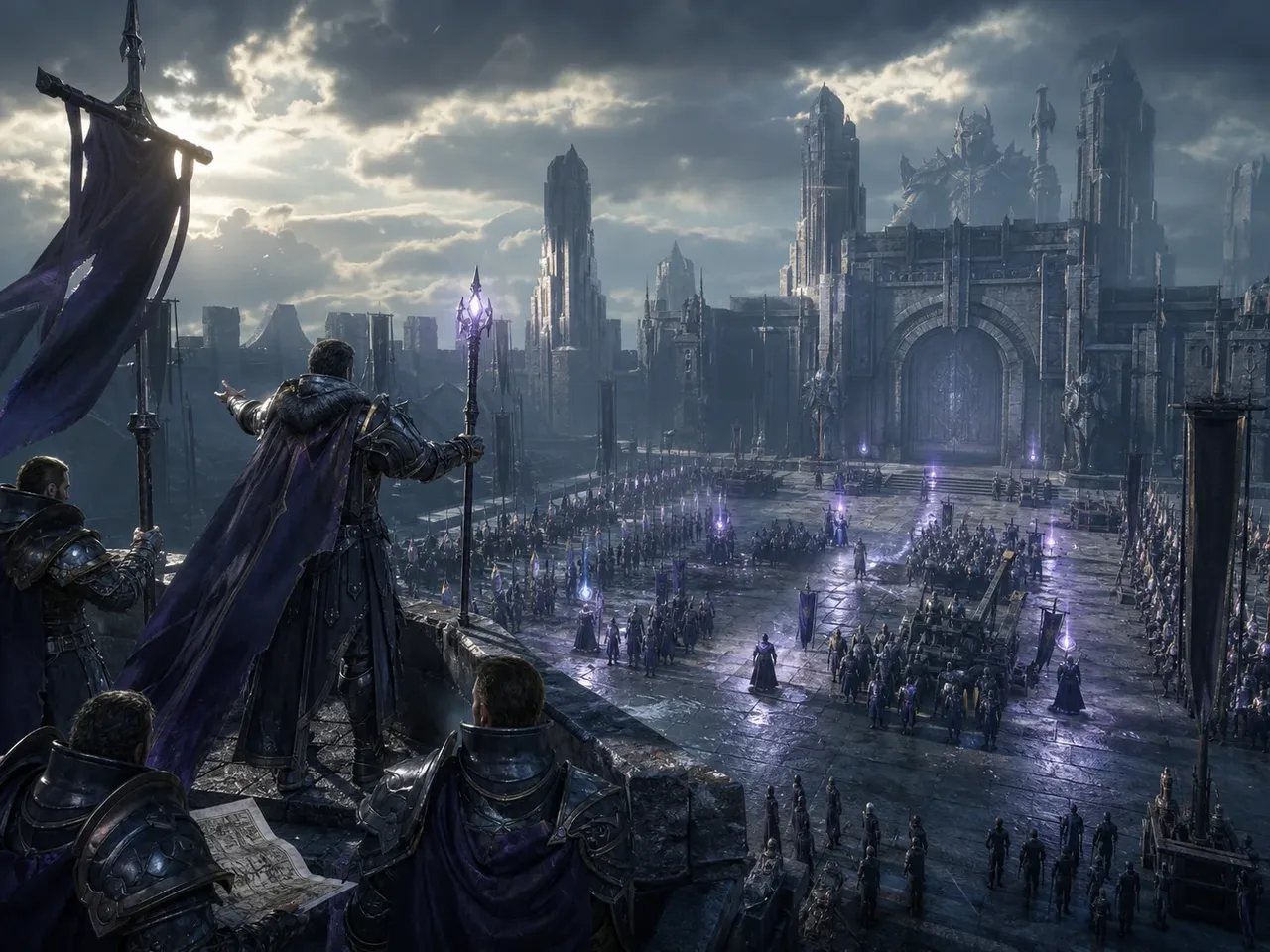


Respond to alerts while you play
An alert appears in the corner you choose. Sign up, place a bid, or roll for loot directly from the alert.
- Sign-ups
- Auctions
- Loot rolls
- Other notifications

See your party before the event starts
Your party appears 15 minutes before the activity and stays on screen until it ends. See each member's role and class, who leads the party, and which group you belong to.
- In a raid, it shows which party is yours, such as 2 of 4.
- Click the header to collapse the card, or drag it to a different spot on screen.
- Hide it for one activity. It comes back for the next one.
Open Guild Manager with a shortcut
Open Guild Manager's tools over your game with Ctrl + Shift + G. Click outside the panel to keep playing. You can move and resize it.
 Aion 2MapItem databaseCraftingSkill builderDaevanionDPS meter
 Throne and LibertyItem databaseWargames
 WoW ForeverItem databaseTalents
 WoW ClassicReservations
How the overlay works
Detects the game you're playing
The app detects games from Steam, Epic, GOG, Riot, Ubisoft, EA, and Xbox automatically. You can add other games from your running apps.
Doesn't change your game
The overlay is a separate transparent window. It doesn't inject code, read game memory, or press keys for you.
Use borderless or windowed mode
Exclusive fullscreen hides the overlay. Select borderless or windowed mode in your game's display settings to see it.
Choose when it appears
Show the overlay only while you play, always, or never. When it has nothing to show, it stays hidden.
Your activities, loot, and characters
See upcoming activities, answer sign-ups, and follow your loot in the desktop app. Sign in with Discord to use the same guilds, characters, and permissions as on the website.
- Activities
- Loot
- Your character
- Notifications
An addon that records your raids
The app installs and updates the Guild Manager addon for WoW Forever, then syncs its raid logs and guild roster with Guild Manager.
- Soft reserves on tooltips
- Raid logs
- Character and roster
What works today, and what's next
Everything here ships in the current version unless it says otherwise.
| Feature | Works with | Status |
|---|---|---|
| Overlay alerts you can act on | Every game on Guild Manager | Available |
| Your party on screen | Every game on Guild Manager | Available |
| Hotkey panel | Every game on Guild Manager | Available |
| Game tools in the panel | Aion 2, Throne and Liberty, WoW Forever, WoW Classic | Available |
| Activities, loot, and character screens | Every game on Guild Manager | Available |
| System notifications | Every game on Guild Manager | Available |
| In-game addon | WoW Forever | Available |
| Automatic updates | Windows, macOS and Linux | Available |
| Aion 2 DPS meter | Aion 2 on Windows. How to turn it on | Beta |
| Intel Macs | Ask in Discord if you need one | Not yet |
Set up in a few minutes
The macOS app is signed and notarized by Apple. The Windows installer isn't signed yet, so Windows asks you to confirm once.
- 1
Download the installer
Choose the download for your system. Windows uses an .exe installer; macOS uses a .dmg file.
- 2
Install the app
Windows. If SmartScreen appears, click More info, then Run anyway.macOS. Drag Guild Manager into Applications and open it from there. Keep it in Applications so it can update itself.Linux. Make the AppImage executable, then open it. This is an early Nightly build, so expect rough edges.
- 3
Sign in with Discord
Confirm the sign-in in your browser, then return to the app. Your guilds and characters will be there.
- 4
Set up the overlay
Open In-game overlay from the app menu and choose when it shows. Press Preview alerts to see and hear each alert.